Workflows
Standing tasks,
on your trigger.
Build a workflow in a visual flow builder: a trigger, the steps the assistant runs, and an approval gate. Nothing sends without you, and every run is yours to review.
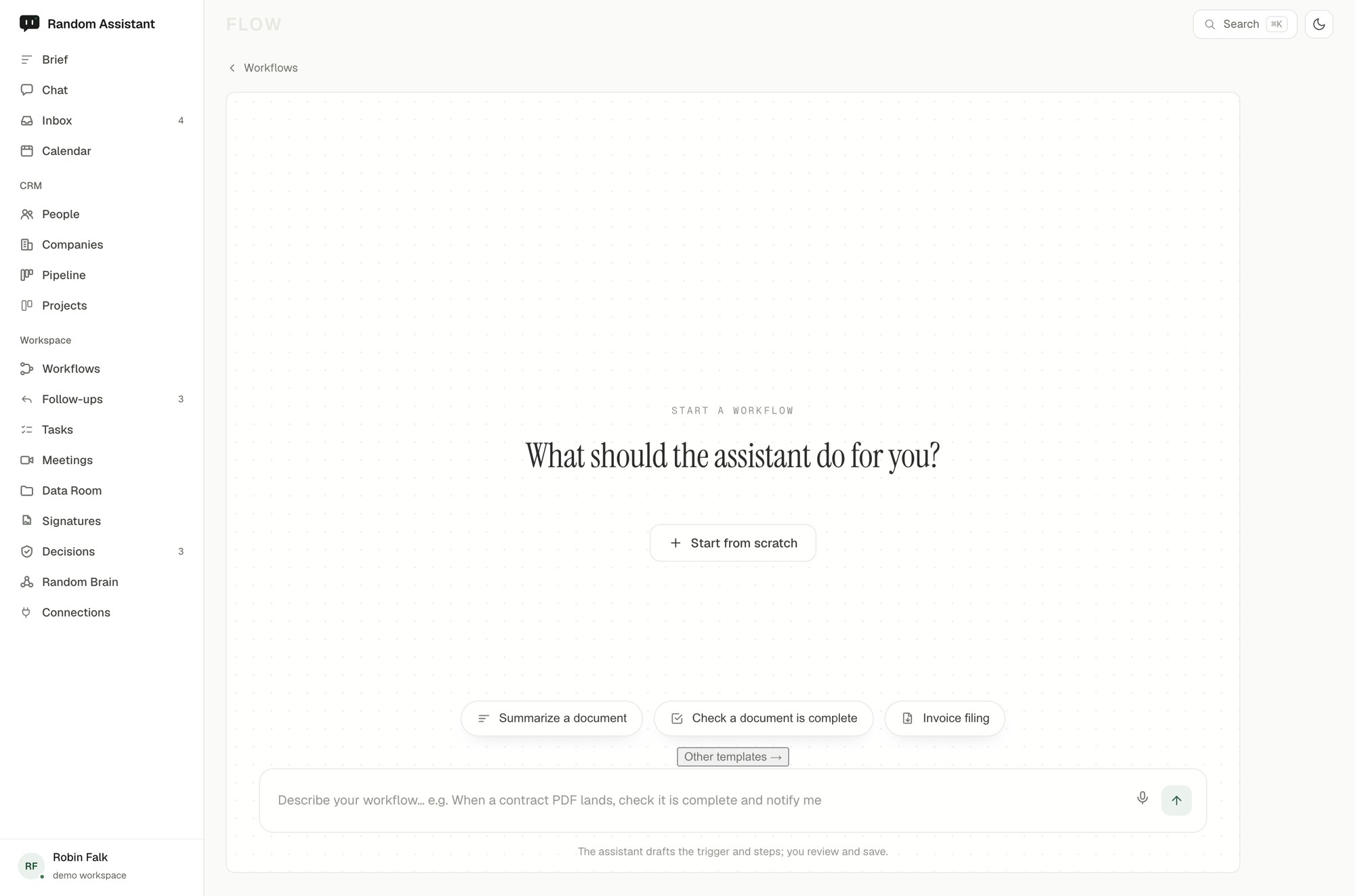
Build a workflow in a visual flow builder: a trigger, the steps the assistant runs, and an approval gate. Nothing sends without you, and every run is yours to review.
Drop blocks into a visual flow builder: a trigger to start it, the steps the assistant runs, and an approval gate before anything leaves. It runs on a schedule or an event, and waits for your OK.
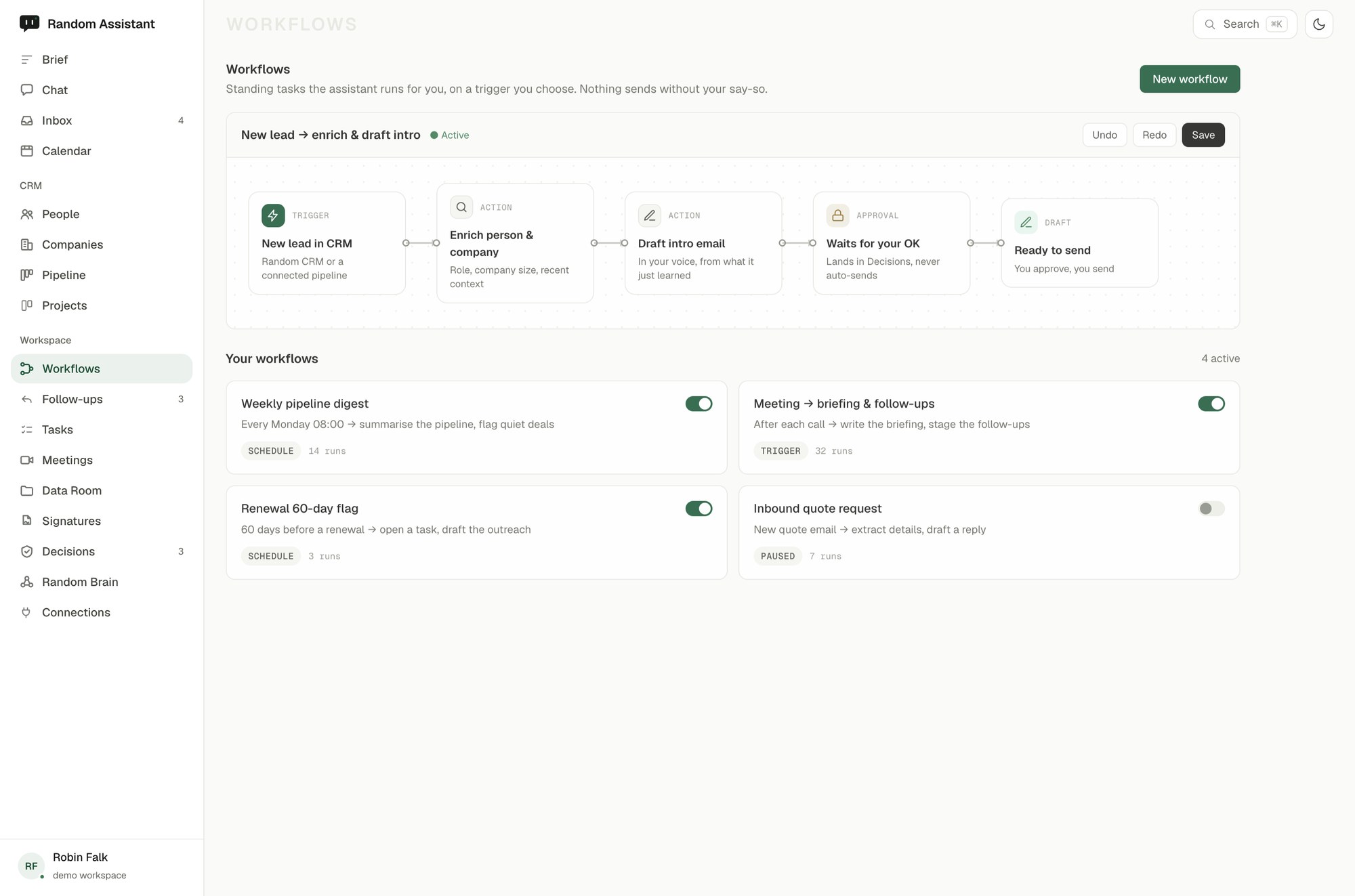
A draft flow in the builder: a new lead triggers an enrich-and-draft step, then waits at an approval gate; the intro lands in your drafts for you to send.
See the whole flow on a canvas.
Start it however it should start.
Automation that still asks first.
Start from workflows built for your industry, then adjust every trigger and step.
Connect your tools and the assistant starts working from your real work right away. It takes minutes.
Request early access